

Should you learn C++ before you program a drone? Many beginners think so, because they hear that “real” drone code is C++. The honest answer is that the best language for drone programming depends on what you want your drone to do. This post gives you a map of where code lives on a drone and a one-minute way to pick your first language. It also lists free, official places to start.
Key takeaways
- No single language is best for every drone project. The best first language depends on what you want the drone to do.
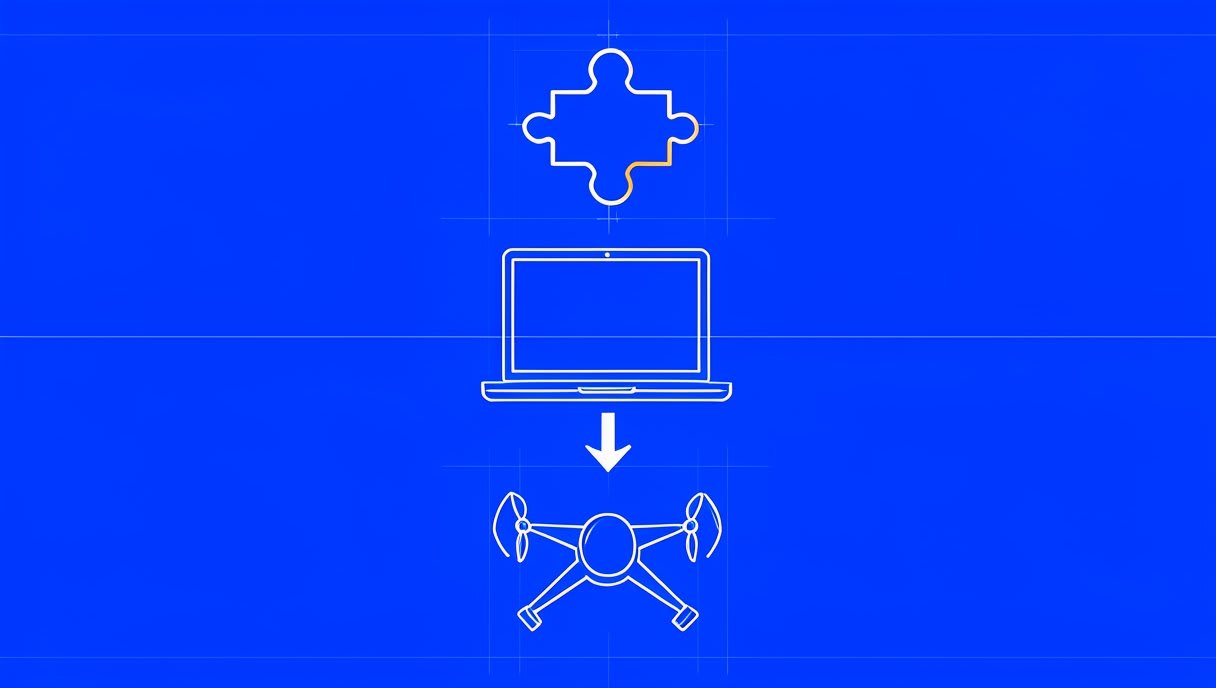
- Code lives in three places: blocks for learning logic, Python on a laptop or companion computer for sending commands and running missions, and C/C++ inside the flight-control firmware that keeps the drone stable.
- Most learners start with blocks or Python and move to C++ later. What you learn at each step carries over to the next.
Where does code actually live on a drone?
Think of a drone like a car. The engine management keeps it running smoothly, a navigator says “turn left here”, and a learner driver first practises the basic order of steps. A drone system has the same kind of layers. Each layer tends to use a different language. So the question changes from “which language?” to “which layer do I want to work on?”
Blocks: learning sequences and logic
Visual block coding lets you drag and drop steps instead of typing them. You snap together blocks for actions, loops (repeat this) and conditions (if this, then that). Because you never type the code, you never get stuck on a missing bracket. Blocks are where you learn how to think in steps. Take off, then hover, then land. That logic is the core of all drone code, in any language.
Python: telling the drone what to do
Python usually runs on a laptop or a companion computer, which is a small computer carried on the drone. It sends high-level commands to the flight controller, such as take off, go to a point or land. Python does not keep the drone balanced; it plans what the drone should do next. These commands travel over MAVLink, a message protocol that drones and ground stations use to talk to each other. We will cover MAVLink in detail in a later post. For now, think of it as the language the laptop and the drone share. A simple mission script follows a sequence like this:
`connect to the drone`
`arm the motors`
`take off`
`fly to a point`
`hover`
`land`
Python is also where people add things like automated flights, camera vision or AI. If you want the drone to do something clever, Python is often the layer you work in.
C and C++: the code that keeps drones flying
Underneath everything sits the flight-control firmware. Firmware is the software that lives on the flight controller board itself. It reads the sensors and adjusts the motors many times a second, so the drone stays steady even when the wind pushes it. This is real-time code: it has to react on time, every time. Open-source projects such as ArduPilot and PX4 Autopilot are well-known examples, and the code in their repositories is mostly C++. ArduPilot describes itself as an autopilot for copters, planes and rovers, and PX4 is used in research and industry. Aasma’s AVO flight controllers run ArduPilot and are Arduino-compatible. So the firmware you can read in that repository is the same open project that runs on them. So if C++ runs the flight itself, should you start there? Not necessarily. Here is how to choose.
A one-minute way to pick your first language
Ask yourself what you want to make a drone do, then follow this path:
- Never coded before? Start with blocks. Learn sequences, loops and conditions without typing errors getting in the way.
- Missions, automation or AI? Start with Python if you want to script missions, automate flights or add vision and AI. You will be sending real commands to a drone from your laptop.
- Changing the flight software? Move to C++ if you want to understand or change how the flight software itself works. This is where you read the code that keeps the drone stable.

Why most people go blocks or Python first, then C++
The ideas carry over from one language to the next. A loop in blocks is a loop in Python and a loop in C++. The take-off, hover and land flow you script in Python is the same flow the firmware carries out underneath. C++ firmware is much easier to follow once you know what the drone is trying to do. Reading flight code without that picture is like reading a recipe in a kitchen you have never seen. Start where your goal is, and the next layer will make more sense when you get there.
Before you write a line of code
Here is a step many people skip: feel how a drone responds before you script it. What does take-off actually feel like? How much does a drone drift when it hovers? You can find out for free. Fly a few missions in the Aasma BYOD flight simulator at sim.aasmaaerospace.in. It runs in your browser, uses keyboard controls and needs no install. When you later write “take off, hover, land” in code, you will know what each of those words means in the air.
Free, official places to start for each path
Every link below goes to the official repository or docs. Credit for these projects belongs to their open-source communities.
Python path
- pymavlink: Python access to MAVLink messages, a concrete way to talk to ArduPilot-based drones.
- MAVSDK-Python: a higher-level Python API for PX4 (and MAVLink) drones, a friendly alternative for beginners.
C++ path
- ArduPilot: the repository for reading real flight code, and the Copter docs to understand what the firmware does for multicopters.
- PX4: the repository and the PX4 docs for learners who choose this route.
See what your code does
Ground control stations show your drone’s missions and status on screen. Mission Planner is a Windows ground station for ArduPilot, and QGroundControl is a cross-platform ground station for PX4 and ArduPilot.

Frequently asked questions
Is C++ used for drone programming?
Yes. Open-source flight-control firmware such as ArduPilot and PX4 is mostly written in C++. Beginners usually start with blocks or Python and come to C++ when they want to change how the flight software works.
Can I program a drone with Python?
Yes. Python usually runs on a laptop or companion computer and sends commands to the flight controller over MAVLink. Libraries such as pymavlink and MAVSDK-Python are free starting points.
Which drone programming language should a complete beginner learn first?
If you have never coded, start with blocks to learn logic. If you have some coding experience and want to script flights, start with Python. Choose by what you want to build, because no single language is best for everyone.
Your next step
Before you write your first drone script, learn how a drone responds: fly the free Aasma simulator in your browser, no install needed. When you are ready to fly hardware you built yourself, explore Aasma’s drone learning kits or read about how to build your own drone. Build it. Fly it. Code it. So once you pick Python, what happens when your laptop sends “take off”? How does that message actually reach the drone? That is the next stop in our drone programming posts.


