

Your child wants to program drones, so do you need to buy one first? Surprisingly, no. The first steps happen on a laptop, with everyone’s feet firmly on the ground.
Key takeaways
- A child can start drone programming on a laptop with no drone, using a free browser simulator and free open-source docs.
- Start on the ground, with an adult present. Check the official government source before you fly.
- Free starting points include the ArduPilot and PX4 docs, plus the pymavlink and MAVSDK-Python libraries.
The short answer: a laptop, an adult and the ground
To begin, your child needs a laptop, a browser and an adult nearby. If you have those, you don’t need to buy anything. The home path has four steps: practise in a simulator, read a short program, explore free official docs, then bring it together in a supervised session. But why does flying come before code?
Step 1: Practise flying in a simulator before you code
Why a simulator comes first
Imagine writing directions for a bike ride when you’ve never ridden a bike. You’d know the words, but not what they feel like. Drone commands work the same way. A simulator is a practice drone on a screen. Your child can make mistakes, try again and start to see how a drone responds.
Try the free Aasma flight simulator
The Aasma BYOD flight simulator (BYOD stands for Build Your Own Drone) is a free place to build that flying intuition. It runs in a browser, uses keyboard controls, has 6 missions and needs no install.
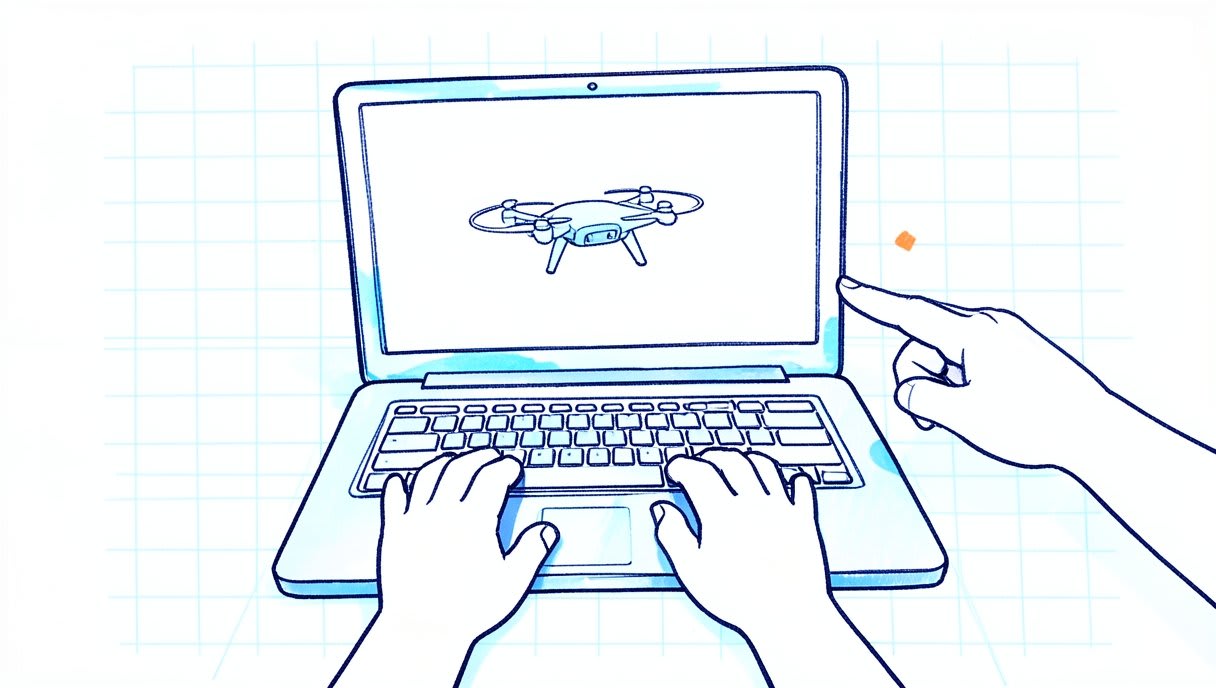
Once your child has a feel for flying, a new question appears: how do you give a drone instructions in writing?
Step 2: Read a short program that sends simple commands
What a drone program does
A drone program does two main jobs: it sends commands and reads data from the drone. Think of a text conversation. You send an instruction, and the drone replies with information about how it’s doing. Read these steps aloud together:
connect to the drone
read the battery level
if the battery level is good:
    take off to a low height
    hover for a few seconds
    land
otherwise:
    stay on the ground
This is plain-English pseudo-code, which means program logic written for people to read. It’s for reading and discussing, not running. Ask your child, “What happens if the battery is low?”
Start with Python on the laptop
Python is a programming language and a common first step, because free libraries let it work with drones. A library is ready-made code that other people have shared. For the trade-offs between languages, read our guide to the best language for drone programming. So where do those libraries and the real instructions live?
Step 3: Explore the official docs of free open-source tools
Open source means the code is public, so you can read it and learn from it. These projects are built by their own communities, and the links below go to their official sources.

ArduPilot docs
An autopilot is the software that helps a drone follow commands. The ArduPilot community’s Copter docs are a good place to learn how a drone autopilot is set up and tried out in simulation. You can also browse the ArduPilot repository, the public home of its code.
PX4 docs, for comparison
PX4 is a second major autopilot, used in research and industry. Look through the PX4 docs or the PX4 repository to compare how another project explains similar ideas.
pymavlink and MAVSDK-Python
MAVLink is a message language that lets drones and computers exchange information. pymavlink gives Python access to those messages, so it’s a good first library to read about. MAVSDK-Python is an alternative: a Python API for PX4 and MAVLink drones. An API is a set of ready-made commands your program can call. For now, simply read about both and notice what they have in common. When you’re ready to see what comes after these basics, follow the drone programming learning path.
Safety rules for a child’s first sessions
Ground-only work with an adult present
Use the same rules in every session:
- An adult stays present from start to finish.
- All work stays on the laptop, with no real flying.
- No equipment is left running unattended.
Simple rules like these turn safety into a habit from the first day.
Real flying only after checking local rules
Check the official government source before you fly.
Step 4: Run a first supervised session
Here’s a simple 30-minute plan:
- Set up (5 minutes): Open a browser on the laptop and go to the simulator.
- Fly (10 minutes): Choose a mission and let your child use the keyboard controls.
- Read (10 minutes): Go through the short program from Step 2 together.
- Talk (5 minutes): Ask what surprised them and which step they’d change.

That last conversation matters. When your child explains a choice, they’re starting to think like a programmer.
When is a child ready for hardware?
Look for behaviour, not a date on the calendar. Your child may be ready to discuss hardware when they can:
- predict what the simulated drone will do next
- explain each step of a short program in their own words
- follow the safety rules without reminders
Before you move on, read our setup guide for your first drone together.
Aasma’s learning kits
When hardware feels like the right next step, you can see Aasma’s drone learning kits in the shop. The safety steps still come first.
Frequently asked questions
Can my child learn drone programming without owning a drone?
Yes, for the first steps. A laptop, a browser simulator and free docs are enough to start, and hardware can come later.
Which programming language should my child use?
Python is used by the free pymavlink and MAVSDK-Python libraries, so it’s a natural place to start reading. Our language comparison explains the trade-offs.
Does my child need to fly a drone to learn?
Not at first. Your child can start in the simulator and build the habit of reading and discussing programs. Before any real flight, have an adult present and check the official government source.
Next step
Certificates aren’t the point; flying something you coded is. Try the free Aasma flight simulator first, and when your child is ready for hardware, explore Aasma’s drone learning kits. While you’re at the keyboard, here’s a question to explore together: when a laptop sends a command, how does the drone actually receive it?


