

You want to build a drone, so you go shopping for its brain: the flight controller. You find hundreds of boards, spec sheets full of letters and numbers, and forum threads arguing about which one is “the one”. Where do you even begin? The flight controller reads your stick inputs, feels every tilt through tiny motion sensors, and adjusts the motors many times every second to keep the drone steady. If the brain gets confused, the whole drone wobbles. The choice of brain is yours, and it starts with you, not with the board. The short answer: start with what you want your drone to do, then pick the open-source firmware that fits that goal. Only then choose a board, and check in that firmware’s official docs that the board is supported before you spend a single rupee.
Key takeaways
- Start with what you want to do, not with a brand or a spec sheet.
- Your goal picks the firmware: ArduPilot or PX4 for missions and autonomy, Betaflight for FPV flying, INAV for navigation-focused FPV.
- Before you buy, check the firmware’s official docs to confirm the board is supported, and practise flying free in a simulator first.
Why shouldn’t beginners start with the board?
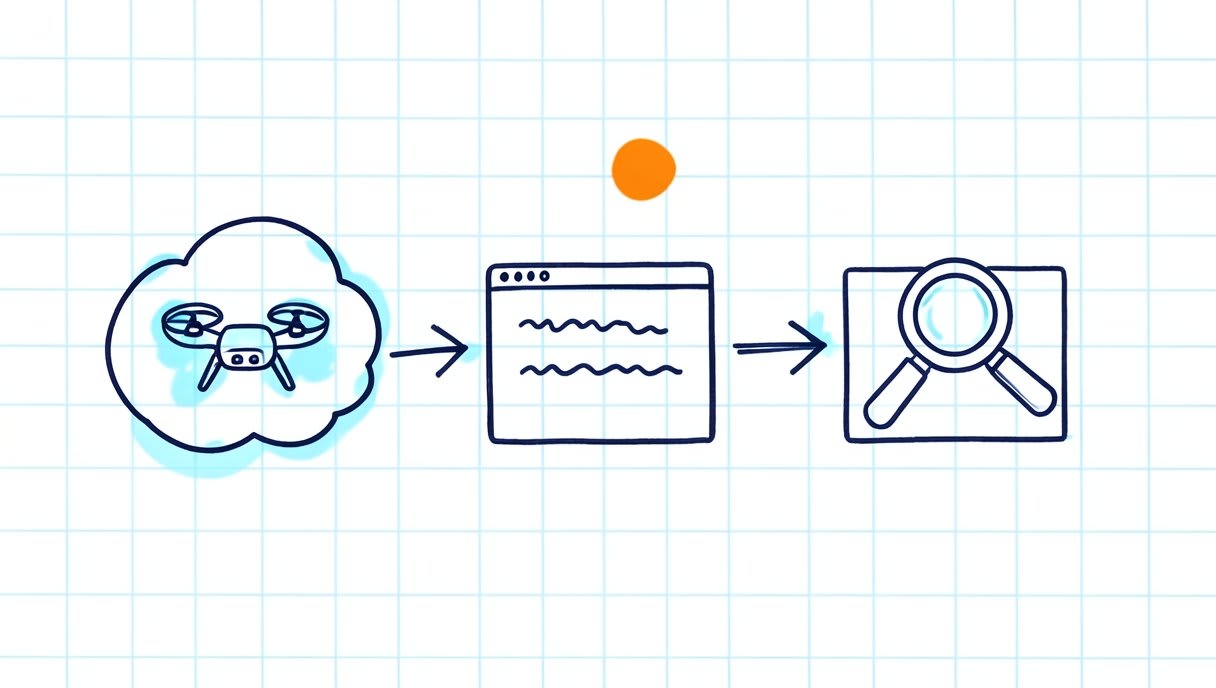
Here is a common misconception: the “best” flight controller is the one with the fastest processor or the longest feature list. It sounds logical. But a flight controller does almost nothing on its own. What brings it to life is the firmware. Firmware is the software that runs on the board itself and decides how the drone flies, which modes it has and what it can learn to do. Think of a smartphone without its operating system and apps: impressive hardware, but just a shiny slab until the software arrives. This is why choosing by spec sheet first goes wrong so often. A beginner buys a board that looks powerful, then discovers that the firmware they wanted to learn does not run on it, or runs with little documentation. If you want a refresher on what the brain actually does in flight, read our explainer on what a drone flight controller does. So if the board is not the first decision, what is? It is a question about you.
Step 1: what do you want your drone to do?
Think about buying shoes. Running shoes, football boots and hiking boots are all good shoes, but each is built for a different day. Pick the wrong pair and even an expensive shoe feels terrible. Flight controllers work the same way. Your goal decides the firmware, and the firmware narrows down the boards. Which of these sounds most like you?
Missions, autonomy and programming
Do you want your drone to fly a route on its own, from point to point? Maybe you want to plan a flight on a map, or write code on your laptop that tells the drone what to do. That is the world of missions and autonomy. A mission is a list of waypoints, which are points on a map the drone flies to in order. Autonomy means the drone carries out that plan itself while you supervise. This path suits students who love the “code it” side of drones as much as the “fly it” side.
FPV, acro and racing-style flying
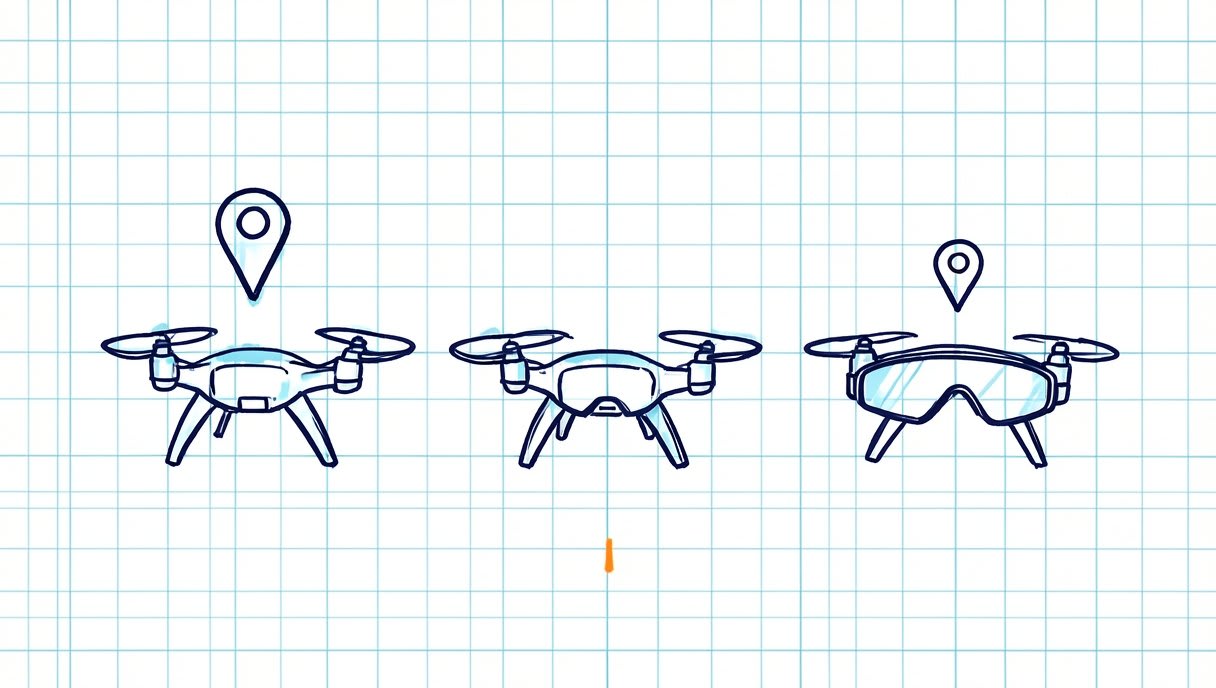
Or does your heart race at the idea of fast, hands-on flying? FPV stands for first-person view: a camera on the drone sends live video to goggles or a screen, so you see what the drone sees. Many FPV pilots fly in acro mode, a manual mode where the drone does not level itself, so every flip and turn comes from your thumbs. This path is about skill, reflexes and the joy of flying. It asks for lots of practice, and it rewards it.
FPV with navigation help
Some pilots want both. They love flying FPV, but they also want navigation features to help them, especially when flying further away. That middle ground has its own firmware too, which shows how much your goal steers the choice.
Not sure yet?
That is fine, and common. If you do not know your goal, you are not ready to buy a flight controller, and that is a good thing to discover before spending money. Learn the basics first, try flying in a simulator, and follow a structured path such as our guide to learning drones step by step. Once you know your “day”, the next question is which software matches it. This is where the open-source communities come in.
Step 2: match your goal to open-source firmware
Open-source software is software whose code is public: anyone can read it, learn from it and help improve it. The four projects below are built and maintained by their own communities of volunteers and contributors. Aasma does not make or maintain any of them; we think every beginner should know they exist.
ArduPilot
If your goal is missions and autonomy, ArduPilot is the main place to start. The ArduPilot community’s Copter documentation is where you can learn how multirotor drones are set up and flown with it. It is also where you will later check whether a board is supported.
PX4 Autopilot
PX4 is the other major open-source autopilot. Its official documentation covers how to get started, and it includes information on the hardware that PX4 runs on. If you are torn between the two autopilots, read our guide to ArduPilot vs PX4 before you decide.
Betaflight
If your goal is FPV and racing-style flying, look at Betaflight. Its official repository on GitHub is maintained by the Betaflight community and is the right starting point for flight control focused on FPV and racing. Start there, not on a random download site.
INAV
INAV sits in the middle ground: it is focused on navigation for FPV flying. You can find it in the INAV official repository, maintained by the INAV community. Its existence proves the point of this whole post: different goals produce different firmware. Here is the decision path in one place, so you can screenshot it:
goal: missions, autonomy or programming -> ArduPilot or PX4
goal: FPV, acro or racing-style flying -> Betaflight
goal: FPV with navigation features -> INAV
goal: not sure yet -> simulator and basics first, no board yet
Now comes the step most beginners skip, and it is the one that saves the most money.
Step 3: check that the board is supported
This is the hardest idea in the post, so let’s take it slowly. You have a goal and a firmware. Now you find a board you like, and before you buy it you ask one question: does this firmware officially support this exact board?
Why firmware support beats the spec sheet
A spec sheet tells you what the board has. Firmware support tells you whether anyone has made it work with your chosen software, written down the setup steps and tested them. For a beginner, that second thing is worth far more. When a board is supported, you get documentation, setup guides that match your hardware and a community who has already met your problems. When it is not, you may be the first person trying to make it work, alone, on your first build. That is a hard place to learn from. Support depends on the firmware community having added that board, and that takes work. A board with impressive numbers but no support is like a brilliant textbook in a language you cannot read yet.
Where to look in each project’s official docs
You do not need to be an expert to do this check. Follow these steps for any board:
- Open the firmware’s official documentation or official repository, using the links in Step 2 above.
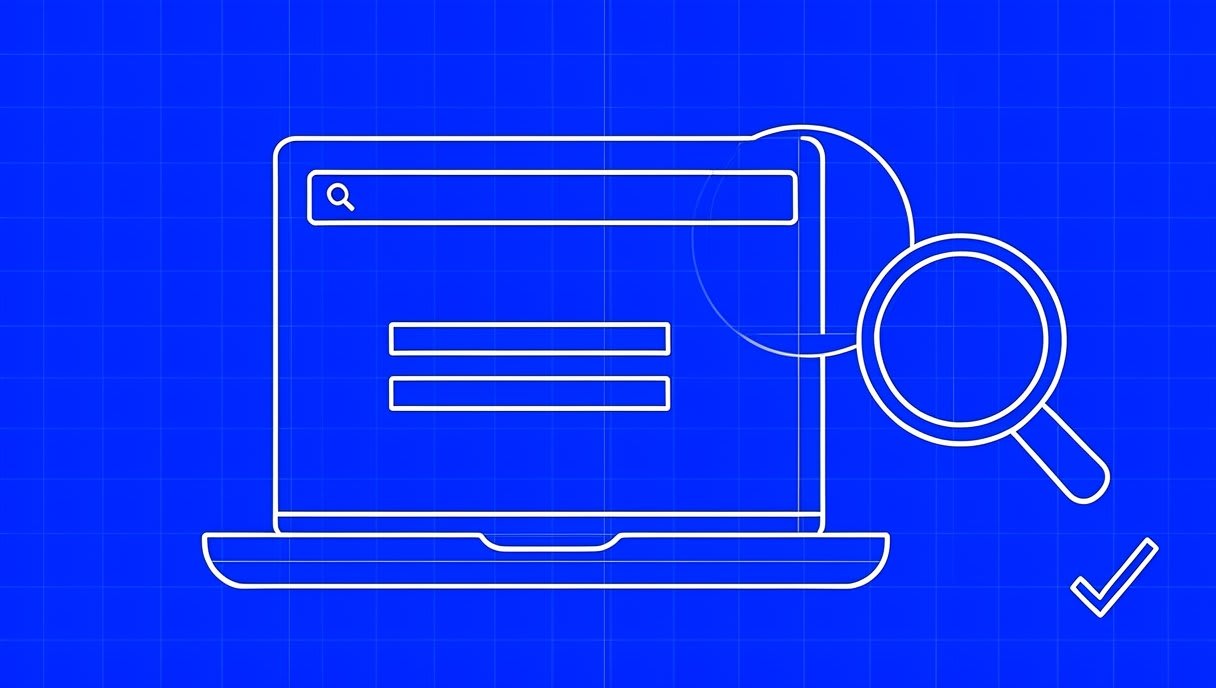
- Look for the section about hardware, for example supported boards, autopilot hardware or flight controllers. The exact name and location differ between projects and can change over time, so use the site’s own menu or search.
- Search for the exact board name, including its version. Boards with similar names can be different hardware.
- Read what the page says about that board: is it listed as supported, and is there a setup page for it?
- Note anything the docs say your goal needs, such as extra sensors, before you add the board to your basket.
Always check the official pages, not a seller’s listing. A shop description might say “works with everything”, but only the firmware’s own docs can tell you what the community actually supports.
What if your board is not listed?
Treat “not listed” as a warning sign for a first build. It does not always mean the board is bad, but it does mean you would be working without a map. For your first drone, a map is exactly what you want. If you like a board that you cannot find in the docs, ask before you buy. Each project has its own official community channels, linked from its official pages. A short, polite question such as “is this exact board supported?” can save you weeks of frustration. Before you even reach the checkout, though, there is something you can do that costs nothing at all.
Before you buy: practise flying first
Lots of first drones are damaged by the pilot, not by the parts. Practise basic flying for free in the Aasma browser simulator at sim.aasmaaerospace.in, with no install and just your keyboard, so your first real flight is not your first flight ever. Practice also helps you discover your goal. A few sessions in a simulator often show you whether you love calm, planned flying or fast, hands-on flying. And when you start flying real drones outdoors, check the official government source for the current drone rules in India before you take off.
A beginner’s checklist for any flight controller
Remember choosing a school bag? You do not just look at the colour: you check the size, the pockets, the zips. Here are the “zips and pockets” of a flight controller, one line each:
- Is it officially supported by the firmware that fits my goal?
- Are its docs active, and is there a community I can ask?
- Can I set it up with a free tool on my computer?
- Does my goal need extra parts, and do I know which ones?
- Have I practised flying before buying?
Active documentation and community
Things will go wrong on your first build; that is part of learning. When they do, you want recent documentation and an active community where people are still asking and answering questions. A board with a lively community behind it is a big confidence boost.
A free setup tool for your computer
To set up and configure a flight controller, you use software on your laptop. For ArduPilot and PX4 this is a ground control station, or GCS: a program that lets you configure the drone, see its data and plan missions. Two popular options are free and open source. Mission Planner, from the ArduPilot community, is a ground station for Windows. QGroundControl, from the MAVLink community, runs on multiple platforms and works with PX4 and ArduPilot. For a walkthrough of getting your computer ready, see our guide to drone programming software setup.
Extra parts your goal needs
Think about buying a laptop for college. You choose one that can handle the work you will do next year, not just this week. Your flight controller choice should leave room for where you are heading. Missions need a GPS module so the drone knows where it is on the map. FPV flying needs a camera and a way to send video to your goggles or screen. Every build also needs ESCs, which are the speed controllers that turn the flight controller’s commands into motor power, plus motors, propellers, a frame and a battery. So before buying, list the parts your goal needs and check how they connect to the board you are considering. The firmware’s documentation is usually the best place to see how a supported setup fits together.
Common mistakes when choosing a first flight controller
You will learn from mistakes no matter what, but these ones are easy to skip:
- Buying before deciding the goal. You end up with a racing-style board when you wanted to code missions, or the other way round.
- Choosing by hype or spec sheet. The most talked-about board is not automatically the right one for your goal.
- Skipping the support check. Five minutes in the official docs can save weeks of trouble.
- Forgetting the extra parts. A missions build without GPS will not fly a mission.
- Expecting the first real flight to go well with no practice. Practise in a simulator first.
- Changing many settings at once. Start with the default settings, make one small change, test it, then repeat.
One more thing that surprises many builders. Think of your drone as a guitar: if the strings buzz, even the best guitarist sounds bad. Unbalanced propellers and loose parts cause vibration, and no flight controller can fully hide that, so a smooth flight is a team effort between every part.
Where to go next
You now have a goal-first way to choose. To go deeper, read these next:
- What a drone flight controller does, to understand the brain you are choosing.
- ArduPilot vs PX4, if missions and autonomy are your goal.
- Learning drones step by step, if you are still finding your goal.
Choosing a flight controller is a bit like choosing a cricket bat. The right weight and balance for you changes the whole match, and the “best” bat in someone else’s hands might be all wrong for yours.
FAQ
Which firmware should a beginner learn first?
It depends on your goal. If you want missions, autonomy or programming, start with ArduPilot or PX4; our ArduPilot vs PX4 guide can help you pick between them. If you want FPV or racing-style flying, start with Betaflight.
How do I know if a flight controller will work with ArduPilot or Betaflight?
Check the project’s official documentation or official repository for its supported hardware, and search for the exact board name and version. Do this before you buy, not after. If you cannot find the board, ask in the project’s official community first.
Do I need to pay for flight controller setup software?
No. Mission Planner and QGroundControl are free, open-source ground control stations made by their own communities. You can download them from their official pages and start learning without spending anything on software.
Ready for your first flight?
Try your first flights free in the Aasma browser simulator at sim.aasmaaerospace.in. There is no install, just your keyboard. And once you have chosen your flight controller, here is the next question worth asking: what is the brain doing in those tiny moments between your stick move and the motors’ response? Build it. Fly it. Code it.


