Most people think a drone simply takes orders from its remote control. Behind the scenes, the drone’s autopilot and the computers around it are constantly passing short, structured messages. For many open-source drone projects, that shared language is called MAVLink.
Key takeaways
- MAVLink is a lightweight message protocol that lets a drone’s autopilot and a computer exchange status and commands.
- The heartbeat message shows that the link between the drone and the computer is alive.
- Free open-source tools such as pymavlink, MAVSDK-Python, QGroundControl and Mission Planner let you look at MAVLink messages yourself.
What is MAVLink, in plain words?
A protocol is simply an agreed set of rules. MAVLink defines how a program packs information, such as altitude or battery level, into a small message and how the other side unpacks it. Think of a paper form where both sides agree which box holds which answer, so nothing gets lost in translation. MAVLink is lightweight, which means its messages are small and quick to send. That suits drones, where the link between the drone and the computer may not carry much data.
Why do drones need a shared message language?
Imagine a laptop program that asks a drone for its altitude. If the laptop and the autopilot did not agree on what that number means, the reply could be nonsense. A shared protocol makes sure both sides read every message the same way. It also means different tools can work with the same autopilot. A ground station made by one team and a script written by another can both understand the same messages.
Who talks to whom?
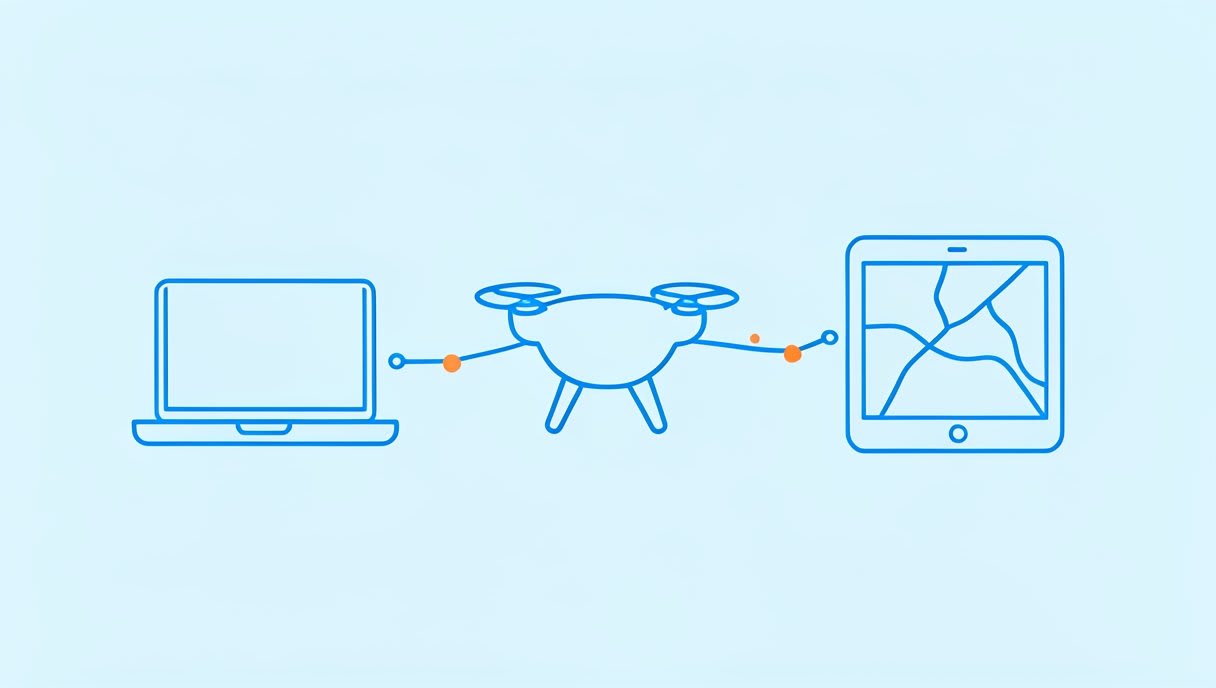
Three parties are usually involved. Each one plays a different role in the conversation.
The autopilot
The autopilot is the software that flies the drone. ArduPilot and PX4 are two major autopilots, and both use MAVLink. That is why a message you learn in one place often applies in another.
The ground control station
A ground control station (GCS) is the program on a laptop or tablet that shows you what the drone is doing. It receives status messages and sends commands back, such as a request to change mode. You can think of it as the dashboard and steering wheel in one.
Your own program
Your own program can also join in. It can send and receive the same MAVLink messages as a ground station, so you can write code to read a value or request a change.
Which messages travel between them?
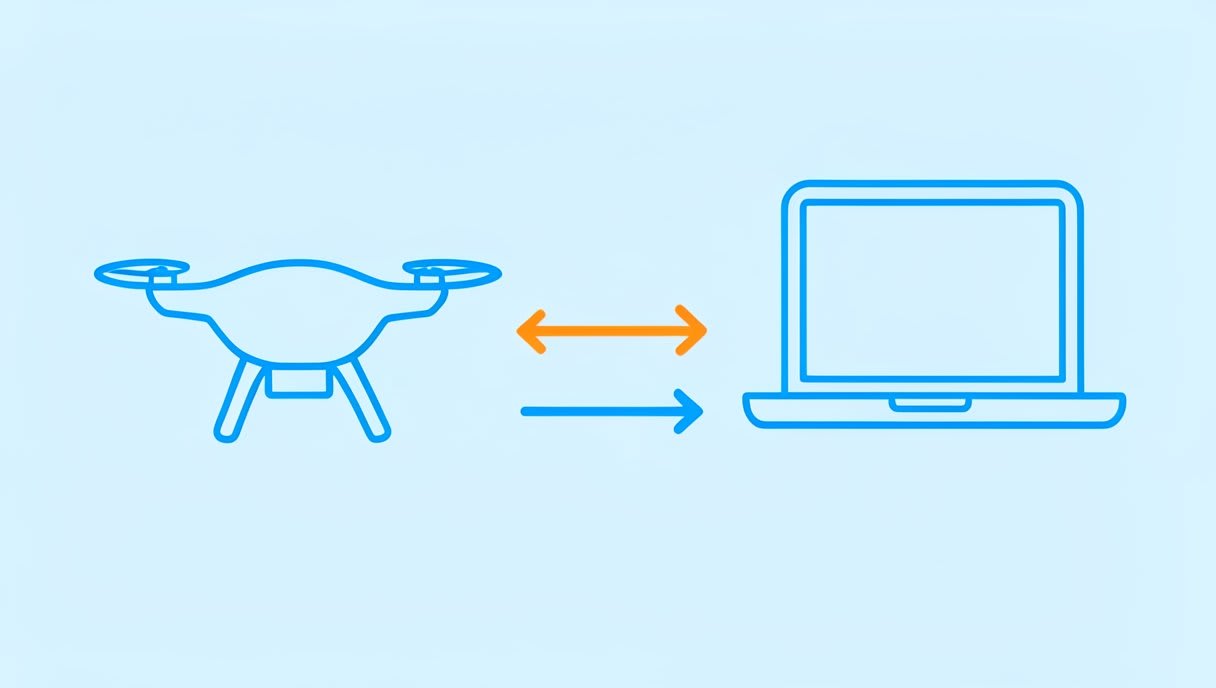
Messages travel in both directions. Status flows from the drone to the computer, and instructions flow back to the drone.
The heartbeat
The heartbeat is a regular message that says, in effect, “I am still here.” If a ground station stops receiving heartbeats, it knows the link is no longer alive and can warn you. It is the simplest way for two programs to check that they are still connected.
Telemetry and commands
Telemetry is the stream of status information from the drone, such as its position or battery. Commands go the other way: a request to arm the motors, change mode or fly to a point. You will learn the exact message names when you read the docs of the tools you use.
Message definitions in XML dialects
MAVLink messages are defined in XML files, and a set of definitions is called a dialect. Because the format is shared, different tools can read the same messages and agree on what each field means. You do not need to memorise the definitions, only know where to look when a tool shows you a message name. If you learn best by doing, you can also try flying in the free browser simulator at https://sim.aasmaaerospace.in before touching any hardware.
Explore MAVLink yourself with free tools
You can look at MAVLink messages without building anything. These free open-source projects are a good place to start, and each one is credited to its own project and community.
pymavlink
pymavlink lets you read MAVLink messages in Python. Its repository sits in the ArduPilot organisation on GitHub. It is a good first stop if you want to see real messages with your own eyes.
MAVSDK-Python
MAVSDK-Python is a Python API, meaning a ready-made set of code commands you can call, for PX4 and MAVLink drones. It suits a reader who wants to program a drone, not only read its messages.
QGroundControl and Mission Planner
Both are ground control stations. QGroundControl is cross-platform and works with PX4 and ArduPilot. Mission Planner is a Windows ground station for ArduPilot. If your drone runs PX4, start with QGroundControl. If you use ArduPilot on Windows, Mission Planner is a natural pick.
Do you need MAVLink to build or fly a drone?
To fly, no. You can fly with a remote and a ground station without writing any code. To program an ArduPilot or PX4 drone, usually yes, because your code will speak MAVLink. Here is a short example. Say you want a laptop script to print the battery level every few seconds:
- Connect the script to the drone’s link.
- Wait for heartbeats, so you know the link is alive.
- Read the battery status message and print the value.
Each step uses an idea from this post. Once you know them, the code becomes easier to follow.
Where to go next
If you want to learn drone programming step by step, follow the drone programming learning path. You can also compare languages in our guide to the best language for drone programming, and browse more posts on the Aasma blog. For the official details, read the PX4 documentation and the ArduPilot Copter documentation. Next question: what happens when the heartbeat stops? That is where a ground station has to decide what to do.
FAQ
What is MAVLink used for?
MAVLink carries status information from a drone to a computer, and commands from the computer back to the drone. Open-source autopilot software such as ArduPilot and PX4 uses it. Tools like pymavlink and MAVSDK-Python let you work with those messages in code.
Is MAVLink only for ArduPilot?
No. PX4 is another major autopilot that uses MAVLink. QGroundControl works with both PX4 and ArduPilot, so check which autopilot your drone runs before choosing a tool.
Do I need to know MAVLink to fly a drone?
Not to fly. You can fly with a remote and a ground station, and MAVLink becomes useful when you want to write your own code for a drone.
Practise before you fly
Before you touch a real drone, practise flying in the free browser simulator at https://sim.aasmaaerospace.in. It needs no install.