

What’s the first thing most people do when they want to learn drones? They buy one. Then it hits a wall in the first minute, and they still don’t know why it flew the way it did. There’s a better order, and the first two steps cost nothing. Here’s the whole path, one step at a time.
Key takeaways
- Learn in this order: how drones fly, simulator practice, parts and software, first code, then a small real drone.
- You can start today for free, with no hardware: understand the basics and practise in a browser simulator.
- Free, open-source tools such as ArduPilot, PX4 and Python libraries let you go from flying to coding.
Learning drones step by step: the short answer
Start with understanding, then practise, and buy hardware last. Each step makes the next one easier, a bit like learning the rules of cricket before you face a real bowler. Here are the five steps in order:
- Understand how a drone flies.
- Practise flying in a simulator.
- Learn the main parts and the software that runs them.
- Write your first code.
- Fly a small real drone.
Step 1: Understand how a drone flies
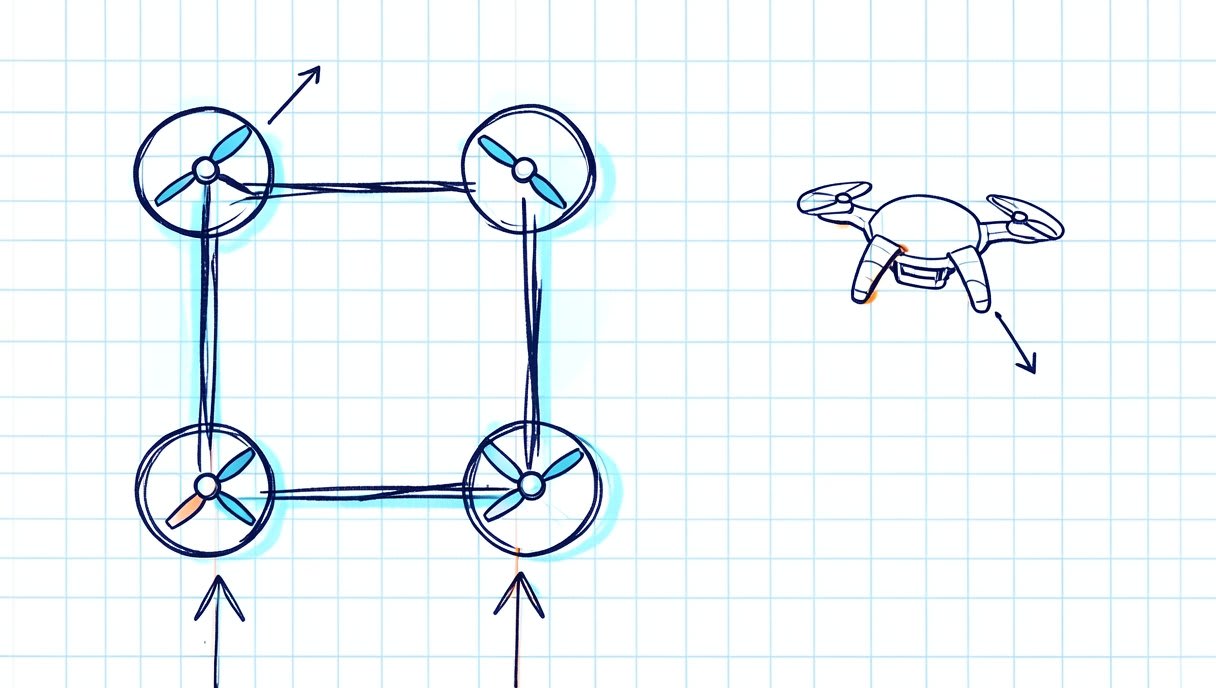
A typical beginner drone, called a quadcopter, has four motors, each spinning a propeller. Each propeller pushes air down, and that push is called thrust. Speed all four up and the drone climbs; slow them down and it descends. To turn or move forwards, the drone changes the thrust on some motors compared with the others. More thrust at the back tilts the nose down, so the drone moves forwards. Changing the balance between the pairs of motors that spin in opposite directions makes it rotate on the spot. No human could adjust four motors fast enough to keep a drone level. That’s the job of the flight controller, the drone’s small onboard brain. It reads motion sensors many times a second and keeps correcting the motor speeds so the drone stays stable. Why start here? Everything later, from the simulator to your code, makes sense once you know what the drone is doing.
Step 2: Practise flying before you buy anything
Would you learn to drive on a brand-new car? A simulator lets you crash a hundred times for free. While you crash, you build “stick sense”, the feel for how small inputs move the drone. One easy way to practise is the Aasma BYOD flight simulator. It’s free, runs in your browser at sim.aasmaaerospace.in, needs no install, uses keyboard controls and has 6 missions to work through. If you want to compare options, see our guide to a free online drone simulator. Once flying feels natural, you’ll start asking a new question: what’s inside the drone?
Step 3: Learn the main parts and the software that runs them
Why learn the parts before writing code? Because your code will control them. You need to know what you’re talking to.
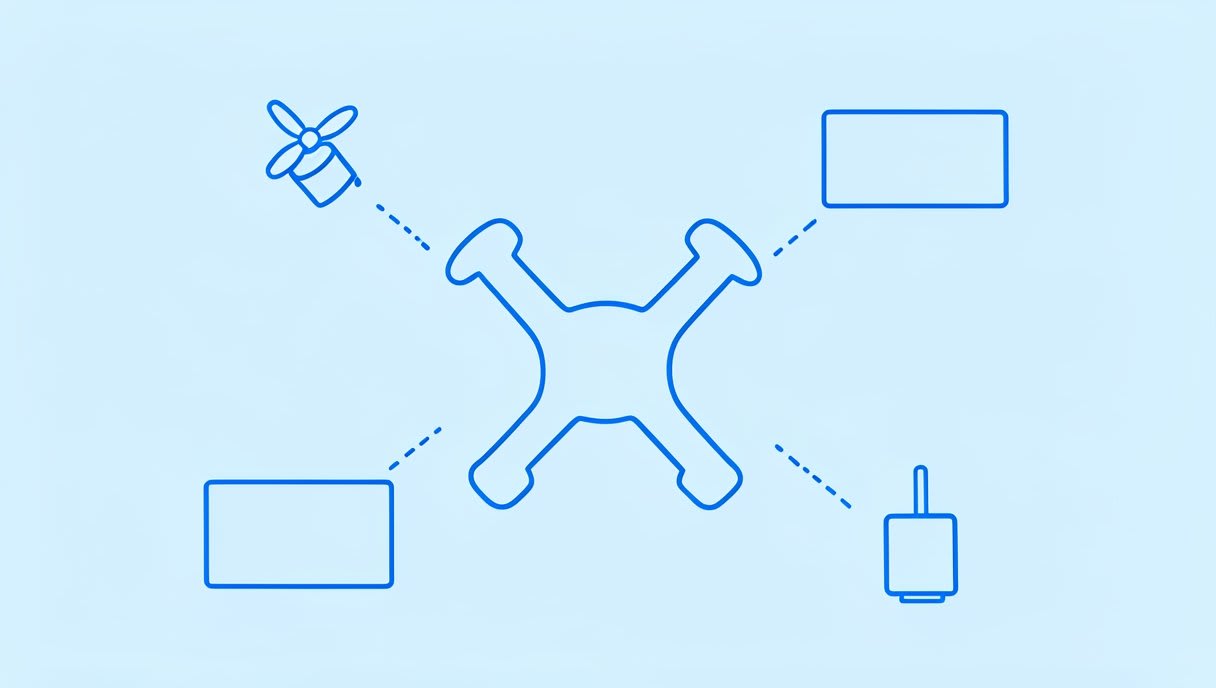
The main parts of a drone
- Frame: the skeleton that holds everything together.
- Motors: spin the propellers.
- Propellers: push air down to create thrust.
- ESCs (electronic speed controllers): turn the flight controller’s commands into motor speed.
- Flight controller: the brain that keeps the drone stable.
- Battery: powers everything.
- Radio receiver: picks up the signals from your remote control.
Flight software and ground stations
The flight controller runs software called firmware. Many drones run free, open-source autopilots: large communities build them and share the code for anyone to read and change. You’ll keep seeing two names: ArduPilot, an autopilot for copters, planes and rovers that is widely used in education and research, and PX4, an autopilot used in research and industry. FPV (first-person view) and racing drones commonly use different software, such as Betaflight. That’s worth knowing if speed and acrobatics are more your style than missions. A ground control station is software on your computer for setting up a drone, watching its data and planning flights. Two well-known open-source examples are Mission Planner, a Windows ground station for ArduPilot, and QGroundControl, a cross-platform ground station for PX4 and ArduPilot. Credit for all of these goes to their open-source communities.
Step 4: Write your first code
Why code before autonomy? Before a drone can fly a mission on its own, you need to know how to read its data and send it simple commands. Start small, and start with a simulated drone if you can, so a bug costs you nothing. Your first programme usually looks something like this:
connect to the simulated drone
read its altitude and battery level
print them on screen
Python is a common, beginner-friendly route. Two free open-source libraries you’ll meet are pymavlink, which gives Python access to MAVLink messages (the language many drones and ground stations speak), and MAVSDK-Python, a Python API (a set of ready-made commands) for PX4 and MAVLink drones. The full walkthrough is in our guide on how to program a drone with Python.
Step 5: Fly a small real drone
Now hardware makes sense, because you know what every part does and why. Small, open, documented drones are great to study because you can read how they work. Two examples: ESP-Drone from Espressif, an ESP32-based mini drone with open hardware and firmware, and Crazyflie from Bitcraze, a nano quadcopter used in research and classrooms. Read more in our post on ESP-Drone, the open ESP32 drone. Real drones use real batteries, so learn how to store and charge LiPo (lithium polymer) batteries safely. Before you fly outdoors, check the official drone rules on your government’s website.
Frequently asked questions
Can I learn drones without buying one?
Yes. Steps 1 and 2 need no hardware: learn how drones fly, then practise in a free browser simulator. Buy hardware later, once you know what you want to do with it.
Do I need to know coding to start learning drones?
No. Coding is step 4, and flying and understanding the parts come first. When you get there, Python is a common, beginner-friendly route.
Which software do most drones run?
Many drones run open-source flight software such as ArduPilot or PX4. FPV and racing drones commonly use Betaflight. Each has official documentation you can read for free.
Start step 2 today
You don’t need to buy anything to begin. Fly your first mission in the free Aasma browser simulator at sim.aasmaaerospace.in, no install needed. And when you reach step 5, you won’t just watch: with Aasma’s learning kits, you build, code and fly the drone yourself. Here’s a question to carry into step 1: if all four propellers spin, how does a drone turn without tipping over?


