

What if your drone’s whole personality came down to one software choice? The same quadcopter frame can feel like a twitchy racer or a calm robot that flies a planned route by itself. A lot of that difference comes from the firmware on its flight controller, and the choice is yours. Ask online which firmware to use for a first drone and you will hear three names: ArduPilot, Betaflight and iNav. You will also hear strong opinions about which one is “best”. This post gives you a calmer answer: match the firmware to the job you want your drone to do.
Key takeaways
- These three are not rivals for “best”. Each project is built for a different job: missions (ArduPilot), FPV racing and freestyle (Betaflight), or FPV with navigation (INAV).
- Pick by your first project’s goal, then read that project’s official docs.
- All three are open source and free to explore. You can also practise stick control in a free browser simulator before buying hardware.
Why does the firmware choice matter so much?
Think about a new laptop. Windows, macOS and Linux can all run on similar hardware, but each one feels different and suits different tasks. Drone firmware is a bit like the operating system for your flight controller. It shapes how your drone reacts to your sticks, how it holds itself steady and whether it can follow a route without you. Pick firmware that matches your goal and you spend your time flying and learning. Pick one built for a different job and you may spend your weekends fighting the software instead. So what exactly is this firmware doing in there?
What flight controller firmware does, in one minute
Picture the flight controller as the drone’s brain. The firmware is the brain’s habits: the rules it follows hundreds of times a second to keep the drone in the air. If you want the full picture of the board itself, read what a drone flight controller does. At a basic level, every flight firmware runs a loop like this:
forever:
    read the sensors
    read the pilot's stick commands
    work out the correction needed
    send new speed commands to the motors
The sensors are things like a gyroscope, which measures how fast the drone is rotating, much like the balance sense in your inner ear. The motor commands go through ESCs (electronic speed controllers), small circuits that turn the flight controller’s instructions into motor speed. Your brain does the same job when you stand on one leg: sense the wobble, decide, correct.
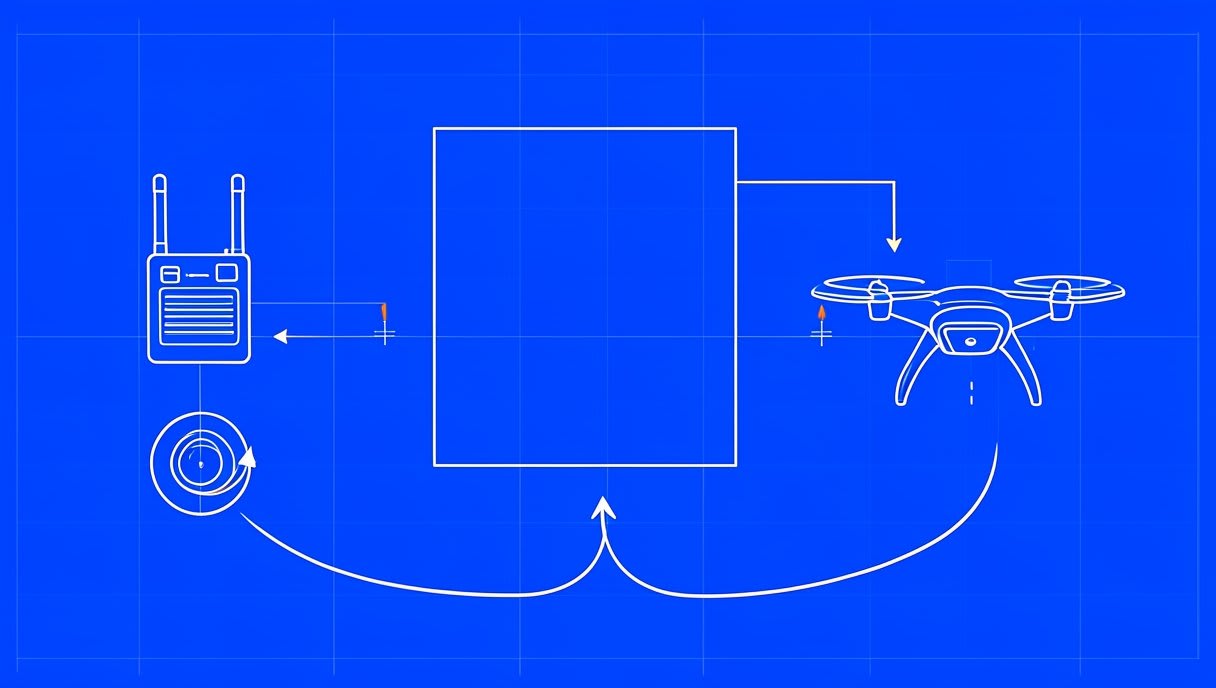
Every firmware runs some version of this loop. Where the three projects differ is in what they are built to help you do with it.
Three projects, three different jobs
Here is the misconception worth dropping early: there is no single winner. ArduPilot, Betaflight and INAV are separate open-source projects, each with its own community and its own purpose. (You will see “iNav” in search results; the project spells itself INAV, so we will use that from here.) Think of them as three coaches training athletes for different events. Betaflight is the sprint coach: everything is about how the drone responds when you fly it by hand. ArduPilot is the expedition leader, built around planned missions, while INAV is the navigator, aimed at FPV-style flying with navigation help. FPV stands for first-person view. The pilot wears goggles or watches a screen showing live video from a camera on the drone, so it feels like sitting in the cockpit.
At a glance: what each project is for
| Project | What its own pages say it is for | A typical first project | Free next step |
|---|---|---|---|
| ArduPilot | Autopilot for copters, planes and rovers, with missions | A quad that flies a planned route of waypoints | Read the copter docs, try Mission Planner or QGroundControl |
| Betaflight | FPV and racing flight control | A hand-flown FPV quad for racing or freestyle | Explore the official repository |
| INAV | Navigation-focused FPV flight control | An FPV-style build that uses GPS | Explore the official repository |
That table is the whole comparison in one glance. Now let’s look at each project a little closer, starting with the one built to fly without you touching the sticks.
ArduPilot: an autopilot for missions and autonomy
ArduPilot describes itself as an autopilot. It covers copters, planes and rovers, and it is built around missions: you plan a route on a computer, and the vehicle flies it. It is widely used in education and research. A mission is a list of waypoints, which are points on a map with instructions attached. You might tell the drone to take off, fly to point A, then point B, then come back. The shift in thinking is big: you stop being the pilot and become the planner. If you are new to it, our guide to ArduPilot for students walks through where to begin. The official ArduPilot copter documentation is the best place to start reading after that.
Who ArduPilot suits
ArduPilot suits you if the idea of a drone that thinks for itself excites you more than flying fast. Maybe you want to plan a survey-style route over your college ground. Or perhaps you dream of writing code on a laptop that tells the drone what to do. Programs and ground stations talk to an ArduPilot drone using a message language called MAVLink, which we explain in MAVLink explained. Learn it and you can start writing code that talks to the drone.
Try it free: ground stations
A ground station is software on your computer that lets you set up the drone, plan missions and watch what it is doing. There are two well-known free, open-source options for ArduPilot. Mission Planner is a Windows ground station for ArduPilot. QGroundControl is a cross-platform ground station for both PX4 and ArduPilot. Opening either one and looking at the mission planning screen shows you what “autopilot” means in practice. We will compare the two in a separate post.

A note on Aasma and ArduPilot
A quick disclosure so you can read this post with open eyes: Aasma’s AVO flight controllers run ArduPilot. That does not make ArduPilot the right choice for every project, and this guide does not rank it above the others. Your goal decides.
Betaflight: flight control for FPV racing and freestyle
Betaflight describes itself as flight control for FPV and racing. This is the sprint coach. The focus is on you, the pilot, flying the drone by hand through every turn. Racing means weaving through gates on a course as fast as you can. Freestyle is more like skateboarding in the air: flips, rolls and smooth lines around trees or old buildings. In both, the drone is not following a plan; it is following your thumbs.
Who Betaflight suits
Betaflight suits you if your dream flight is goggles on, heart racing and the drone going exactly where your sticks send it. If you watch FPV videos and think “I want to do that”, this is where to look first. It also builds raw piloting skill. Hand-flown FPV shows you how throttle (climb and drop), pitch (tilt forwards and back), roll (tilt side to side) and yaw (turn on the spot) work together. That skill stays with you whatever firmware you use later.
Where to read more
Start at the official Betaflight repository, the project’s home on GitHub where its code lives. It points to the project’s own documentation and community pages. Use those, rather than random forum posts, as your source for what the firmware supports. But what if you love the FPV style and still want the drone to know where it is on a map?
INAV: FPV with navigation features
INAV describes itself as navigation-focused flight control for FPV. Think of it as the navigator: it keeps the FPV-style build, but brings GPS and navigation into the picture. GPS (Global Positioning System) lets the drone work out its position from satellite signals, like the blue dot on your phone’s map. With position known, the flight controller can help with tasks that need a sense of place, not just balance. The exact navigation modes and features are listed in INAV’s own documentation, and that is where you should check them.
Who INAV suits
INAV suits you if you enjoy the look and feel of FPV builds but want more than pure hand flying. Maybe you want to explore a wide field and have the drone understand where “home” is. Or perhaps you are curious about navigation but not ready for a full mission-planning setup yet.
Where to read more
Head to the official INAV repository and follow its links to the project’s documentation and community. As with Betaflight, check what is supported there before you plan a build.
Where does each one shine in real life?
Imagine three friends meeting at a college ground on a Sunday morning. Each has built a drone, and each picked different firmware. Watch what they do and the choice starts to make sense. The first friend flies FPV on Betaflight. She sets up two cones as gates and spends the morning weaving through them, goggles on, chasing a cleaner line every time. Her drone never does anything she has not told it to do that second. The second friend runs INAV on an FPV-style quad with GPS. He flies out across the field watching the live video, and his drone knows where it is and where it started. Out of the three, he is the one mixing hand flying with navigation. The third friend runs ArduPilot. She sits with her laptop, draws a route of waypoints around the ground and presses start. Her drone flies the plan while she watches the ground station, and afterwards she opens the logs, the drone’s record of its flight, to see what happened. Which of the three friends sounds most like you? Hold that thought, because the decision map is next.
Choose by your goal: a simple decision map
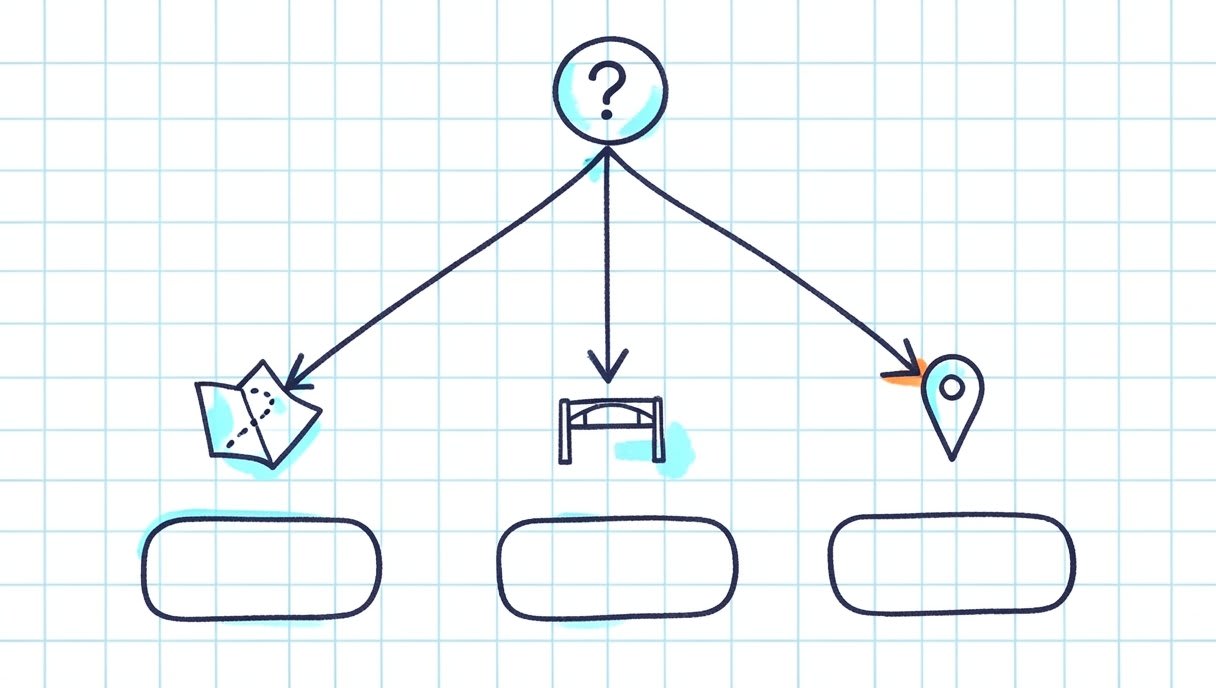
Here is the core of this post, written the way a programmer might write it:
if your goal is missions or autonomy:
    start with ArduPilot
if your goal is FPV racing or freestyle:
    start with Betaflight
if your goal is FPV with GPS navigation:
    start with INAV
Each line comes straight from what the projects say they are for. Need ideas for a first project? You will find plenty in our guide to drone projects you can build in India; the descriptions above will tell you which firmware each idea leans towards.
If you want missions or autonomy
Start with ArduPilot. Read the copter docs, install a ground station and plan a mission on screen, even before you own a drone. If coding the drone from a computer is your long-term aim, this is also the natural route into MAVLink.
If you want to race or fly freestyle FPV
Start with Betaflight. Your first job is building stick skills, because in FPV the pilot does the flying. The official repository is your starting point for docs and community.
If you want FPV with GPS navigation
Start with INAV. You keep the FPV feel and add a drone that knows where it is. Read its documentation to see which navigation features fit your plans.
Not sure which flying style you like yet?
Try a quick yes or no check:
- Do you care more about how the sticks feel than about GPS? Lean towards Betaflight.
- Do you want FPV flying with the drone aware of its position? Lean towards INAV.
- Do you want to plan missions, study logs and maybe write code later? Lean towards ArduPilot.
Still unsure? Before you commit to any firmware or hardware, practise basic stick control in the free Aasma BYOD simulator in your browser at sim.aasmaaerospace.in: no install, just keyboard controls. A few sessions will tell you a lot about whether you love hand flying or would rather plan the route.
Common beginner mix-ups
Believing one firmware is “the best”
Online arguments make it sound like there must be a winner. There is not; there is only the best fit for your project. A racer and a mission planner are playing different sports.
Confusing the firmware with the app on your computer
The firmware runs on the flight controller inside the drone. The ground station or configuration app runs on your laptop and talks to it. They work together, but they are different pieces of software.
Buying hardware before checking the docs
Not every flight controller board can run every firmware. Before you buy, check that the project’s own documentation supports the board you have in mind. That one check can save you money and a frustrating weekend. Remember, too, that firmware is only one part of the drone. Motors, ESCs, frame and propellers all shape how it flies, so learn them as you go.
What about PX4?
You may also hear about PX4, another open-source autopilot used in research and industry. Like ArduPilot, it is built for autonomous flight rather than FPV racing. The PX4 docs are the place to read about it, and we compare the two in ArduPilot or PX4.
Where to go next
Firmware makes far more sense once you understand the board it runs on, so start with what a drone flight controller does. If ArduPilot caught your eye, ArduPilot for students is your next read. After that, MAVLink explained shows how computers and drones talk. Coming up in this series: what firmware actually does line by line, how to choose between Mission Planner and QGroundControl, and how to send your first command to a drone from Python. Each one builds on the decision you make today.
Frequently asked questions
Which drone firmware is best for beginners?
There is no single best firmware for beginners. It depends on what you want your first drone to do: missions point to ArduPilot, FPV racing and freestyle to Betaflight, and FPV with GPS navigation to INAV. Use the decision map above to find your fit.
Can I switch from Betaflight to ArduPilot or INAV later?
Yes, and the skills you build carry over: stick control, understanding sensors and careful setup all stay useful. Whether a particular board can run another firmware is a separate question. Check that in the official docs of the project you want to move to.
Is INAV the same as Betaflight?
No. They are separate projects with different focuses, as their own repository pages describe. Betaflight focuses on FPV and racing flight control, while INAV focuses on navigation for FPV-style builds.
Ready to find your flying style?
Not sure which style of flying suits you? Try the free Aasma BYOD simulator in your browser at sim.aasmaaerospace.in (no install). Once you know your goal, here is a question to carry into the next post: what is the firmware actually doing, line by line, when your drone hovers perfectly still? Build it. Fly it. Code it.


