

Does your first drone class really need a drone? Many teachers assume it does, so the idea waits for the right hardware, space and timetable. A simulator, a program that lets you fly a virtual drone on a screen, gives you another place to start. If you’re considering a drone simulator in India for your school or college, this post will help you decide. You’ll get a quick checklist and a first lesson you can adapt for your class.
Key takeaways
- A browser simulator suits a class when students have a computer with a browser and keyboard, and the lesson covers flying basics, coding or both.
- Run the first session in this order: simulator missions, a discussion of rules and safety, then coding exercises once the basics are clear. No real flight comes before that.
- Try the free simulator at sim.aasmaaerospace.in, then contact Aasma’s Nagpur office to talk about your class.
Can your school or college teach drones with a simulator?
Yes, for part of the journey. A browser simulator can give students their first flying practice and a clear way into coding. It can’t replace real flight, so treat it as the starting point, not the whole course. Think of it as a rehearsal before opening night. You learn your moves and make your mistakes early, but the real stage still feels different. So how can you tell whether it suits your class? Four quick checks will help.
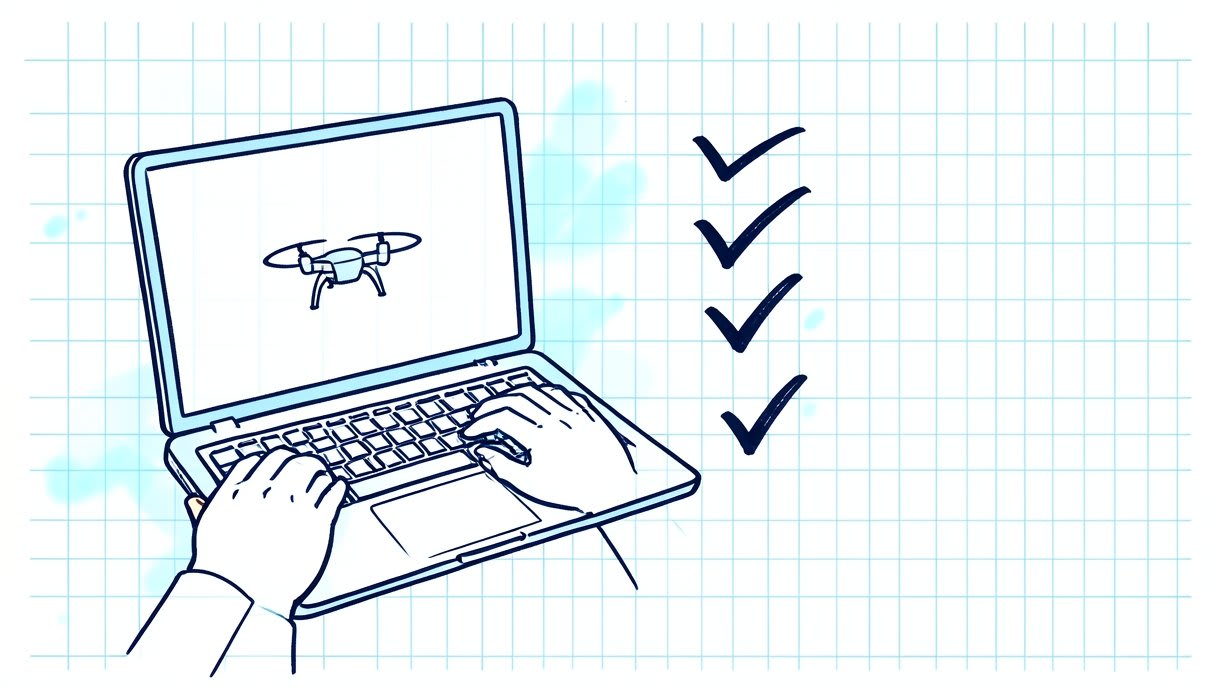
Does a simulator suit your class? A quick checklist
Computers and browsers available
Does each student or small group have a computer with a browser and a keyboard? If not, students can take turns: one flies while the others watch and call out what to try next. Test the simulator on one of your own computers before class.
Student level
What do your students already know? If drones are new to them, begin with flying basics and explain each term as it comes up. If they already code, you can keep the flying block short and reach the coding step sooner.
Session length
Can your class time fit a proper practice block? Try one mission yourself, then allow extra time for students to retry it and talk about what happened. If the period is short, one mission and a good discussion are better than a rushed tour.
Flying, coding or both
What is the lesson really about? A flying lesson can stay with the missions and the class discussion. A coding lesson still starts with the missions, because students write better instructions for a drone when they’ve tried controlling one.
What can a simulator teach, and what can’t it?
Honest expectations make for a better lesson. Here’s a simple way to set them. A simulator can help students:
- Get familiar with the controls
- Repeat a task until it starts to make sense
- Make mistakes without breaking anything
- Share an experience the whole class can discuss
A simulator can’t:
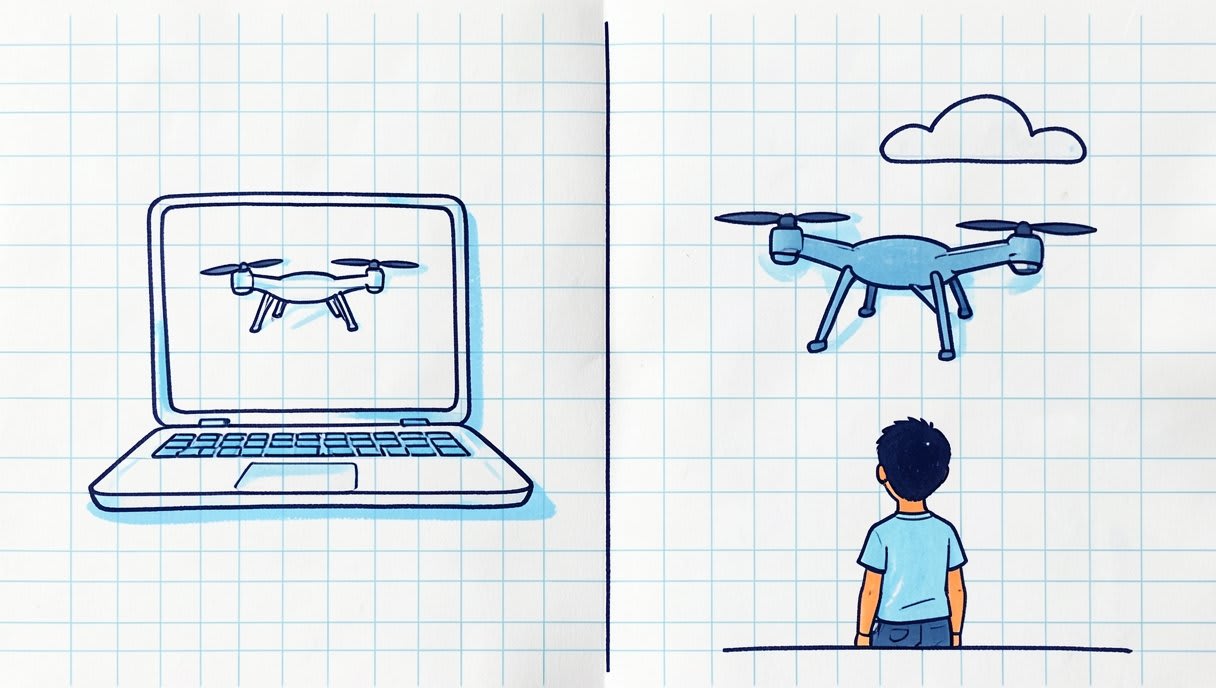
- Show how a real drone feels in a real space
- Teach hands-on skills such as assembling a drone or connecting its parts
- Stand in for a real flight
That leaves the practical question: what order should you teach things in?
A simple first lesson sequence
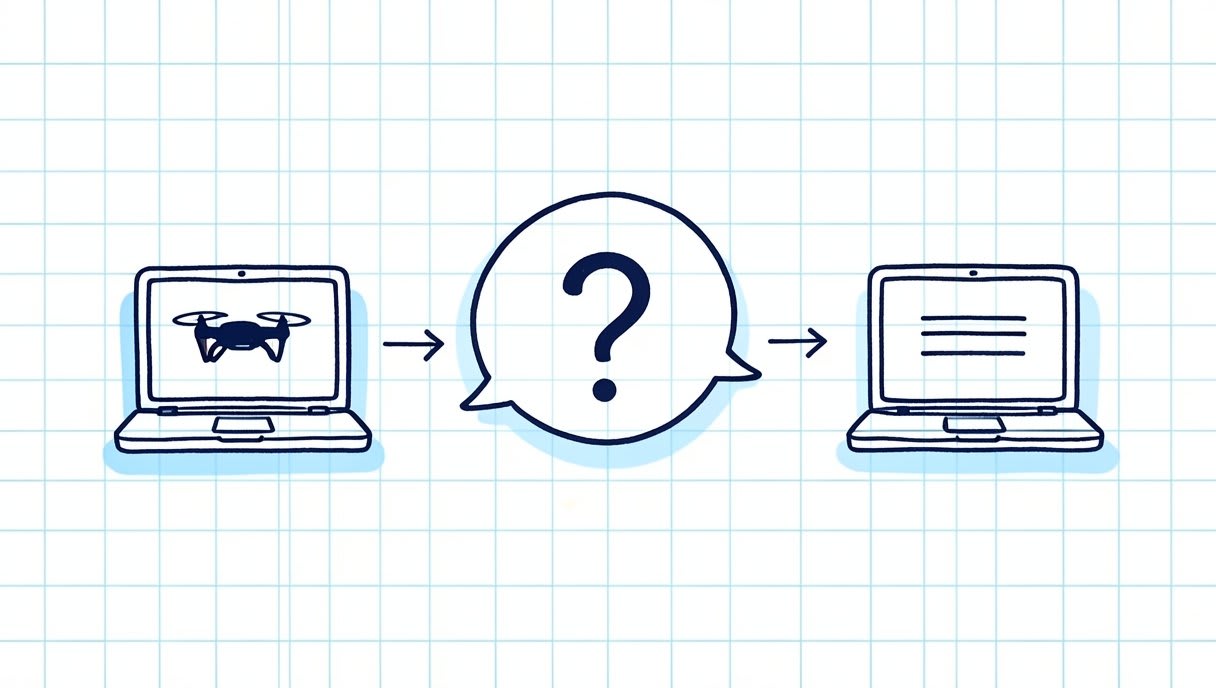
Step 1: start with the simulator missions
Begin with Aasma’s simulator before any real flight. It has six missions and uses keyboard controls, and you don’t need to finish all six in one sitting. Ask students what surprised them after each attempt.
Step 2: discuss rules and safety before any real flight
Now turn away from the screens and talk. Ask students what changes when a drone leaves a screen and enters a real space, and let them bring their own questions. Check the official government source before you fly.
Step 3: add coding exercises once the basics are clear
Move to code only when students can explain what they did in the missions. They’ll then have a clear picture of what their code needs to do. Aasma’s guide to a first Python script for a simulated drone is a good next step.
Which free open-source resources can take you further?
Open source means the code is public, so anyone can read it and learn from it. Each project below is built by its own community, and your class can explore its official pages for free. An autopilot, which you’ll see mentioned below, is the software that controls a drone’s flight.
ArduPilot
ArduPilot is an open-source autopilot for copters, planes and rovers, and it’s widely used in education and research. Thanks to the ArduPilot community, you can read the Copter documentation and explore the source code.
PX4 Autopilot
PX4 is a second open-source autopilot to explore after the simulator, and it’s used in research and industry. The PX4 community shares both the documentation and the source code.
Crazyflie
Want to look closer to the hardware? Crazyflie, from Bitcraze, is a nano quadcopter, a very small drone with four rotors, used in research and classrooms. Its firmware repository is the public home of the software that runs on the drone itself. For a wider plan, see this free drone programming learning path.
Try the free browser simulator before you decide
The easiest test is to fly it yourself. Open sim.aasmaaerospace.in on a computer you’d use in class. It’s free and runs in a browser, with no install, six missions and keyboard controls. Try one mission, then go back through the checklist above. You’ll quickly see whether it fits your students and your timetable.
Frequently asked questions
Can students learn to fly a drone without a real drone?
A simulator gives students flying practice in a browser, but it doesn’t replace real flight. Keep the order clear: simulator first, then a discussion of rules and safety, and only then any real flight. Check the official government source before you fly.
Is there a free drone simulator for schools in India?
Yes. Aasma’s browser drone simulator is free, needs no install, has six missions and uses keyboard controls. It’s live at sim.aasmaaerospace.in.
Do students need coding skills before using a simulator?
No, the first step in this sequence is flying, not coding. Coding exercises come after students understand the flying basics. You can then match those exercises to what your students already know.
Talk to Aasma about your class
If you teach at or run a school or college, use the contact page to ask Aasma’s Nagpur office about a simulator-based session for your class. You’ll find the office at InFED, IIM Nagpur, MIHAN, Nagpur, Maharashtra 441108. Not ready yet? Browse more drone guides for beginners first. Build it. Fly it. Code it. Once your students have flown their first mission, what will they want to make a drone do with their own code?


